
Manava is a property management system (PMS) that you can connect to Duve. The connection is built on Duve's Connect-API framework, which means that once you link your Manava account, Duve automatically pulls in your reservation and property data from Manava.
With the connection in place, Manava stays your source of truth for bookings and property setup, while Duve uses that live data to power the guest experience. You can run online check-in, the guest app, upsells, automated messaging, and more in Duve without entering booking details by hand.
The Manava integration is built and maintained by the Manava team following Duve's Connect-API standard. Duve provides the connection surface inside your account so you can link the two systems yourself.
In this article
Before you start
- Make sure you have an active Manava account.
- Confirm that you have admin or owner permissions in Duve so you can add a PMS connection.
- Have your Manava connection credentials ready. These are provided by Manava and are entered during the connection steps.
- If you are not sure which credentials to use, contact the Manava team before you begin, since the connection is configured on their side following Duve's Connect-API framework.
How to Connect
- Log in to your Duve account.
- Open the connections area where you manage your PMS or sync sources.
- Choose to add a new connection or new sync source.
-
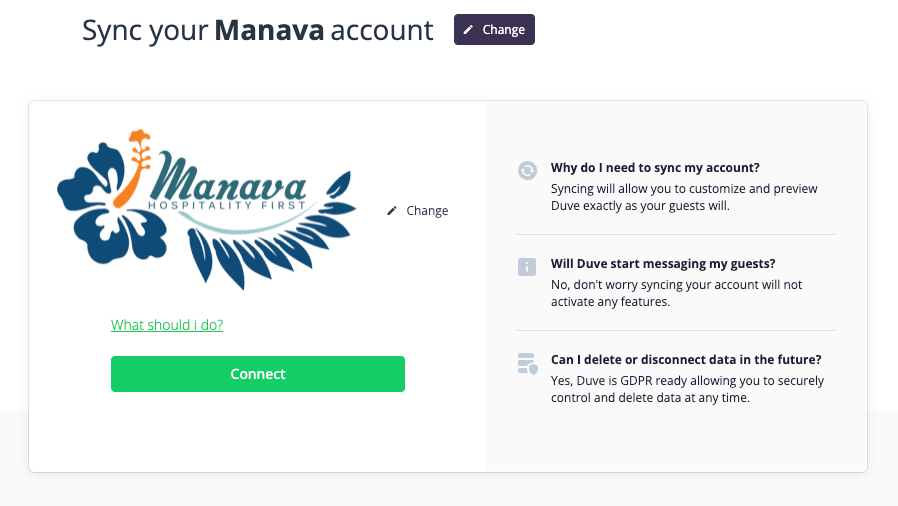
Find Manava in the list of available systems and select it. Manava appears alphabetically together with its logo.
- The connection also creates a reusable, self-service pathway
After you save, Duve begins syncing data from Manava. The first sync can take some time depending on the volume of reservations and properties. Once the initial sync finishes, new and updated reservations flow into Duve automatically.
Troubleshooting
- Reservations are not showing in Duve: allow time for the initial sync to complete, then run a manual sync from the connection page. If data is still missing, confirm that the reservations exist and are active in Manava.
- Guest or property details look incomplete: verify that the information is filled in on the Manava side, since Duve reflects the data it receives from the PMS.
Restrictions & Limitations
- The integration logic is built and maintained by Manava following Duve's Connect-API framework, so the connection behavior depends on what Manava supports through that framework.
- Only the data types supported by the Connect-API framework are synced. Details that are not shared through the connection will not appear in Duve.
- Changes should be made in Manava as your source of truth. Editing synced reservation data directly in Duve is not recommended, since the PMS data takes priority.
Tips & Tricks
- After connecting, review that your Manava properties are matched to the correct properties in Duve so reservations map to the right place.
- Use the manual sync option on the connection page when you want to pull the latest data right away instead of waiting for the next automatic sync.
- Keep your Manava account details up to date, since the connection relies on that account remaining active.
FAQs
Q: What is Manava?
A: Manava is a property management system (PMS). When connected to Duve, it sends your reservation and property data to Duve so you can run the full guest experience from one place.
Q: How does the Manava connection work with Duve?
A: The connection uses Duve's Connect-API framework. Manava sends reservation and property data to Duve automatically, so you do not need to enter bookings manually.
Q: Can I edit synced reservations in Duve?
A: You should make changes in Manava, since it is your source of truth. Data synced from the PMS takes priority.
Comments
0 comments
Article is closed for comments.