
Overview
Previously, when guests viewed their access codes in Duve, the room number or rental name was not shown, leading to confusion and extra steps for guests trying to locate all their check-in details.
To improve the guest experience, we’ve updated how room or rental details appear alongside access codes, making it easier for guests to understand exactly which unit their access refers to.
Old Behaviour
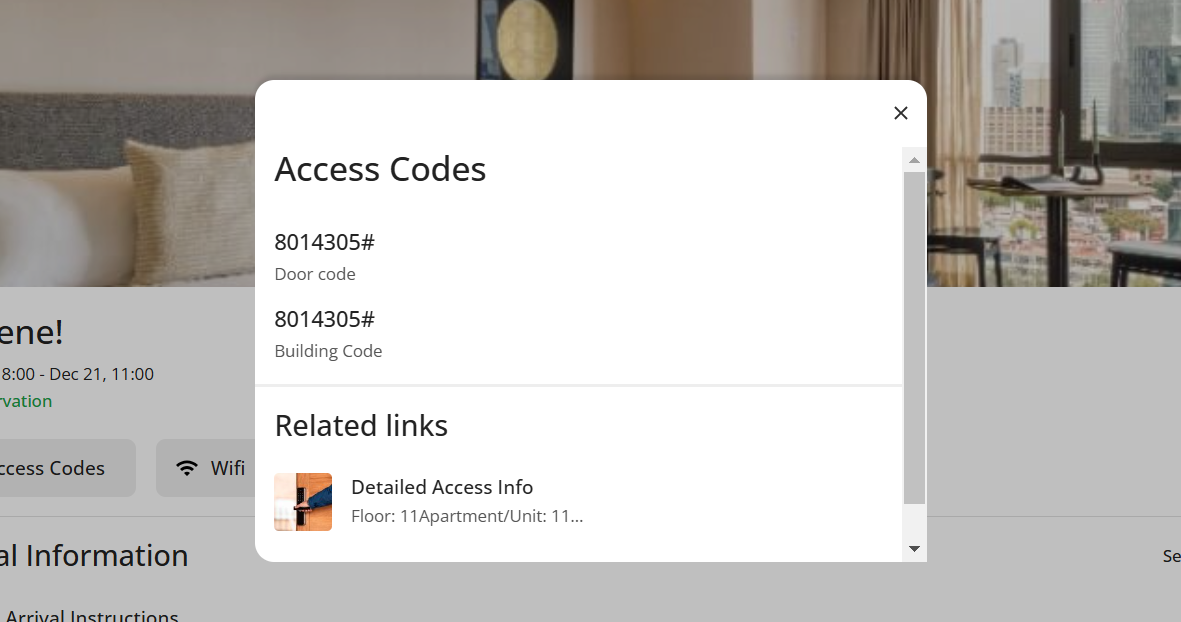
New Behaviour
Access Codes Popup
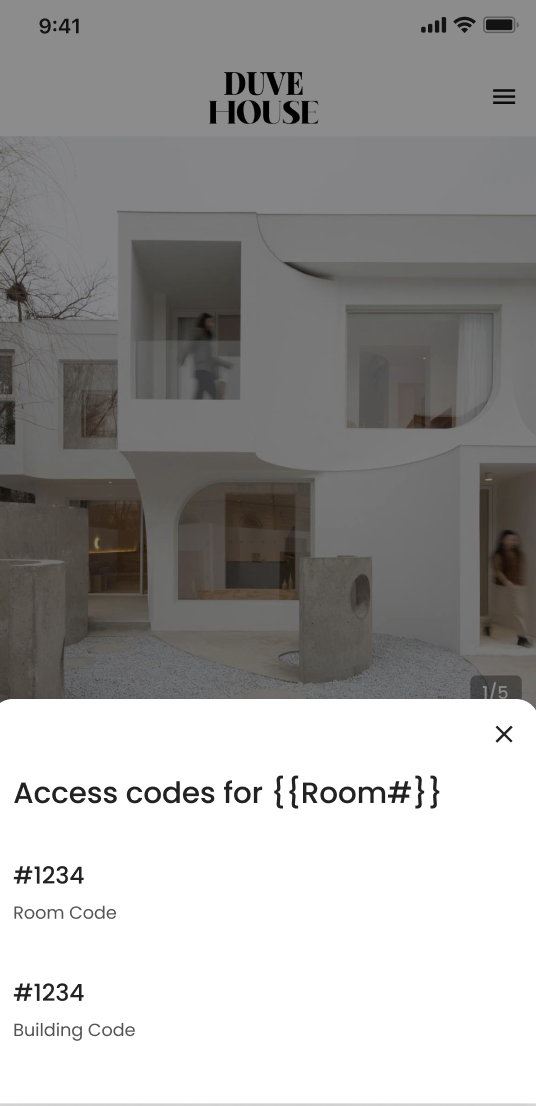
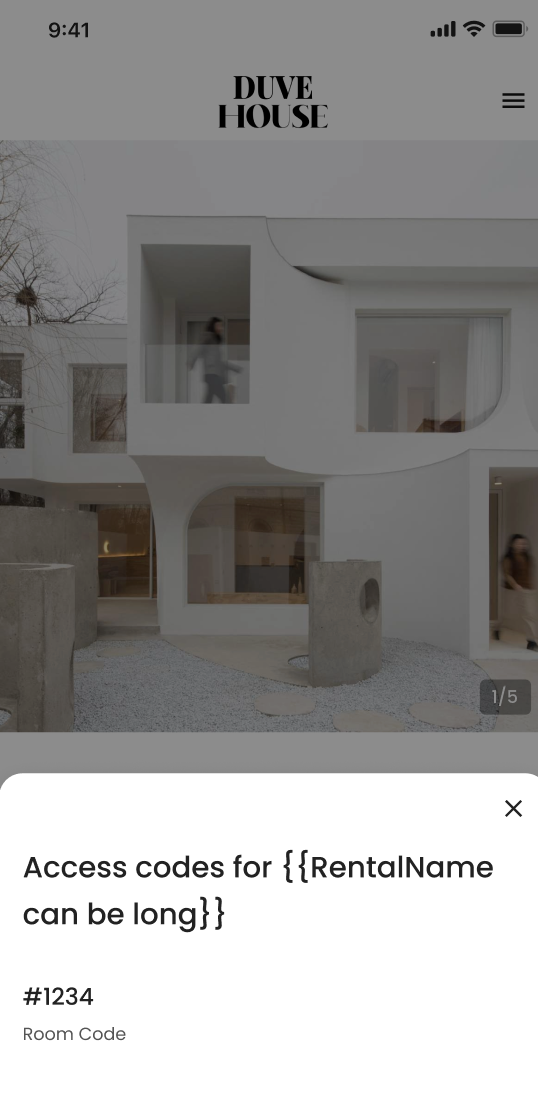
- The title of the access codes popup now includes:
- For hotels: “Access codes for Room {{RoomNumber}}”
-
- For vacation rentals: “Access codes for {{Rental Name}}”
- If access codes are not yet available, the title remains the default: “Access codes”
- The popup will only be shown when the access code logic allows it (e.g., guest is checked in)
Top Section (Hotels Only)
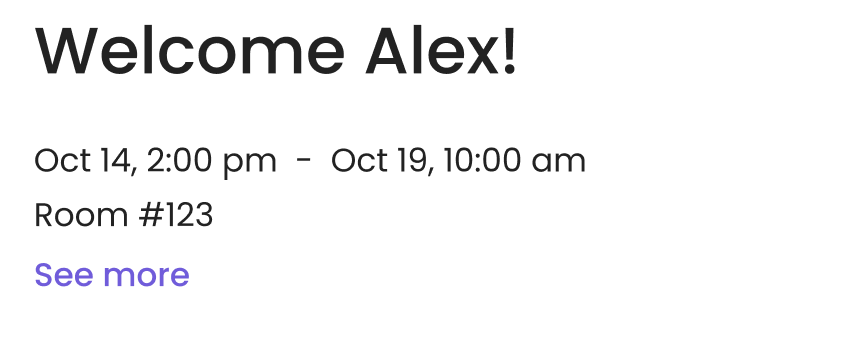
- The “Welcome” section now shows the Room Name once the guest’s check-in date has arrived
- This detail will update automatically if the room assignment changes
- If no room is assigned, or if the guest is not yet checked in, this information will not appear
Comments
0 comments
Please sign in to leave a comment.